ChatGPT paste tracking
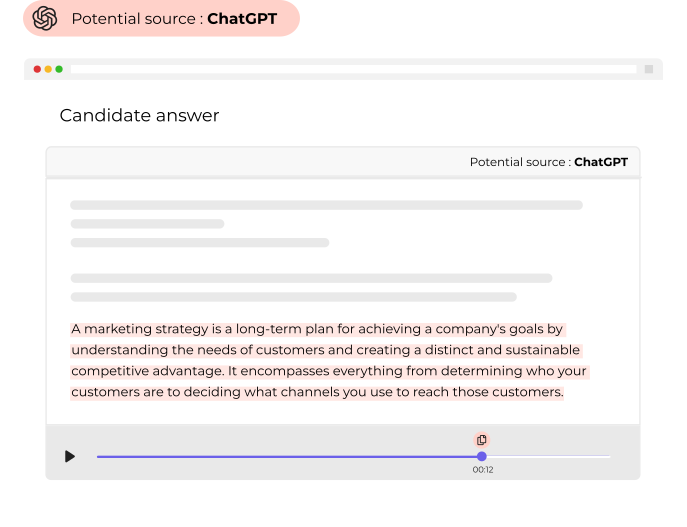
ChatGPT is an incredible resource that can be used honestly but can also be taken advantage of and used to cheat on skill assessment tests.
Canditech users can easily monitor and detect the copying & pasting of external content, including ChatGPT.
You can enable notifications that alert candidates that their pasting behavior is suspicious.
Tab Switch Tracking
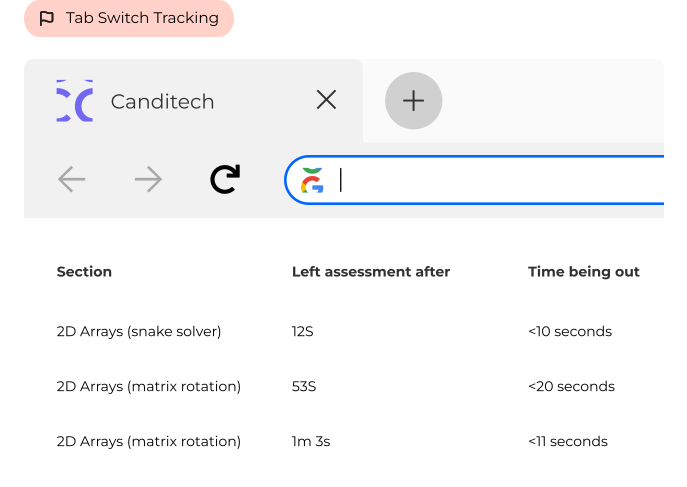
Candidates often switch tabs and windows to research during assessments.
However, too much switching back and forth may raise concerns about potentially suspicious behavior. With Canditech, you can track candidates’ tab and window changes during their assessment session.
Candidates can be notified when the tab switch is detected so they know you’re aware of their behavior.
Device & Location Tracking
Get notified if a candidate completes an assessment from multiple devices or locations. This helps you understand if someone else was working on the assignment.

Block Content-Copying
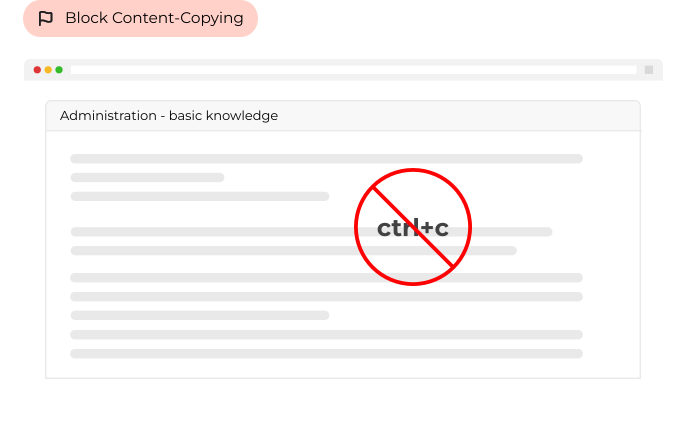
Prevent candidates from copying any question content provided inside the assessment. They won’t be able to paste the question into Google, ChatGPT, or other resources.
As aforementioned, any suspicious pasting behavior is also tracked and flagged to prevent cheating and other suspicious behaviors.
Snapshots
Webcam snapshots of the candidate can be taken during the assessment session to verify their identity and prevent suspicious behavior or outside assistance.
Randomized Test Questions
Present candidates with different questions at the same difficulty level, ensuring that each candidate takes a unique test while maintaining fairness and comparability of results across all assessments.
Follow-Up Video Questions
Reduce cheating risk by incorporating timed video questions that prompt candidates to explain their answers.
This adds an extra layer of evaluation and accountability to the assessment process. Additionally, this method allows recruiters to assess candidates’ ability to articulate their ideas and use their knowledge in a practical setting.
This helps to ensure that the candidate’s skills are accurately assessed and that the best candidate is chosen for the job.
Timed Tests
Set a time limit for each task, ensuring that candidates have limited time to complete the assessment. This minimizes the chance of them seeking outside assistance or looking up answers.
This will also reduce the time spent on the assessment, ensuring it is kept as short and efficient as possible. This strategy allows for a more reliable and accurate assessment, providing a better indication of the candidates’ abilities.
Time-Based Access
Canditech’s tests are valid for a specific time frame only. This reduces the risk of candidates sharing the tests with others and ensures confidentiality.